Your AI Browser Assistant
Otto interacts with websites like a human. Tell it what you want to do, and it clicks, types, scrolls, and navigates for you.
"Go to Amazon, search for wireless headphones, and add the first result under $50 to my cart"
Navigating to amazon.com
Searching for "wireless headphones"
Filtering results under $50
Adding item to cart
Done! Item added to your cart.
Works with your favorite browser
Otto supports all Chromium-based browsers


And 30+ other Chromium-based browsers
See it in action
Watch Otto automate real browser tasks
Quick setup
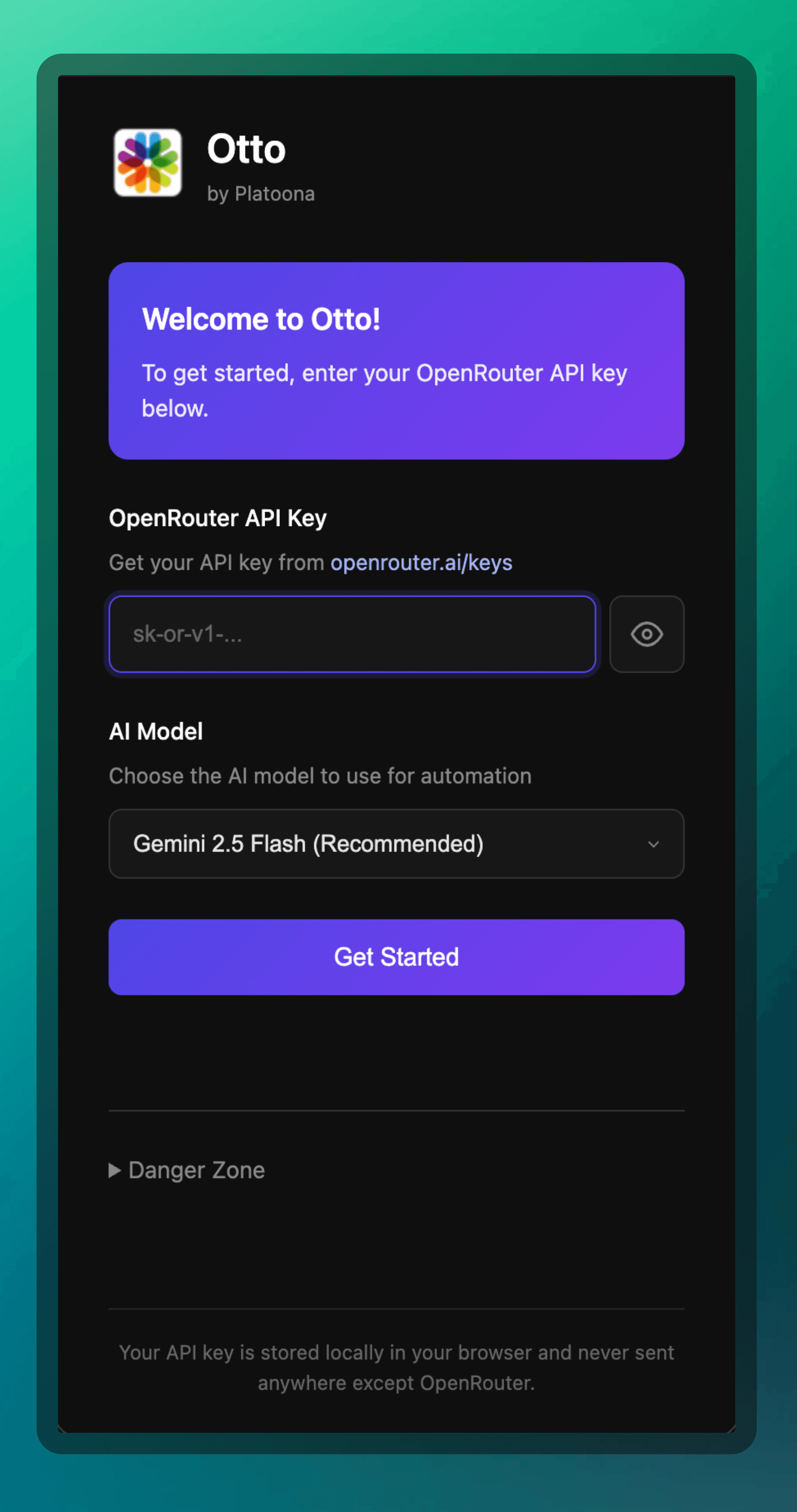
Enter your OpenRouter API key, choose your preferred AI model, and start automating in seconds. Your credentials stay local and secure.
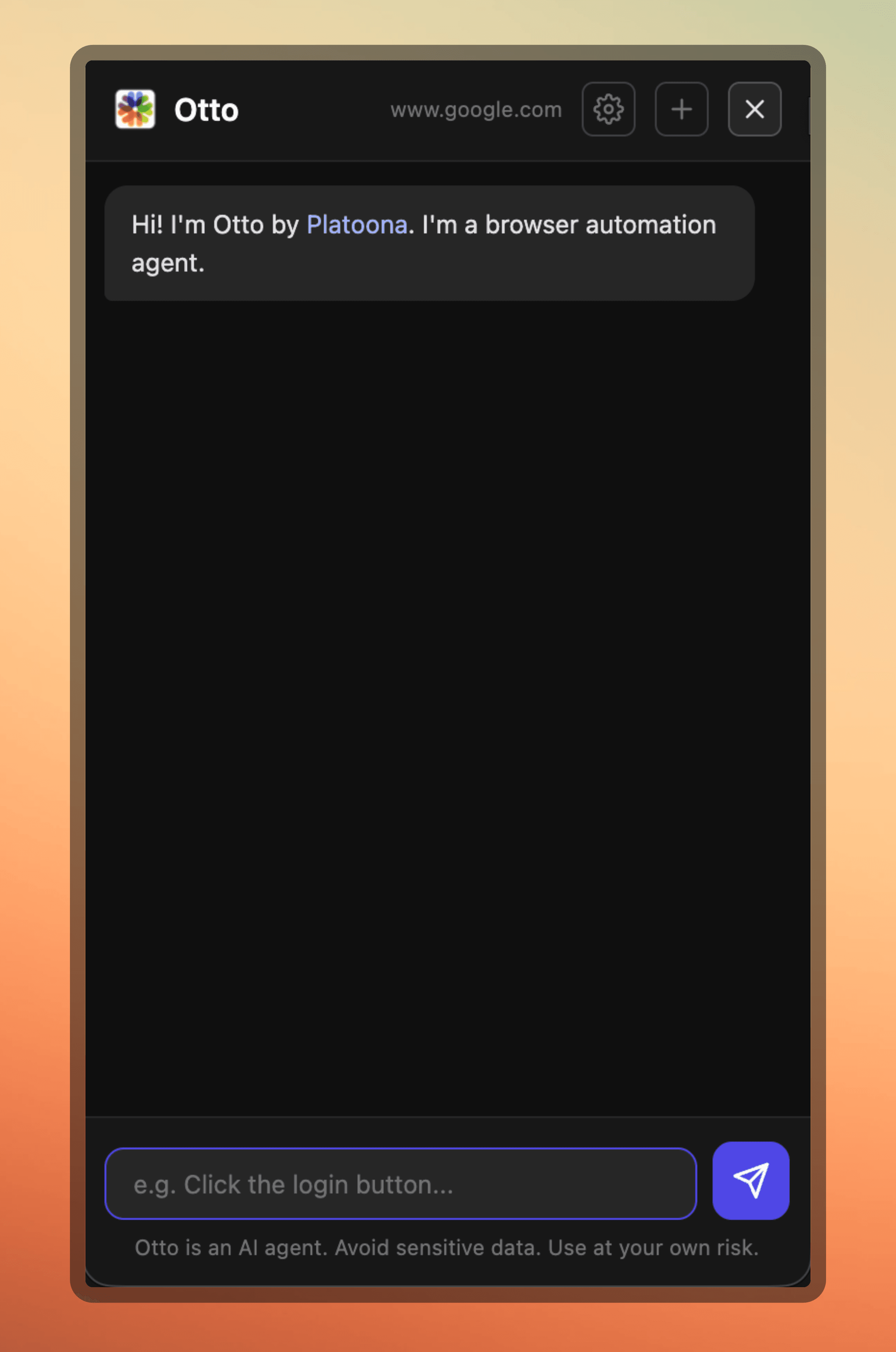
Natural conversations
Just tell Otto what you want to do in plain English. No complex commands or scripting required.
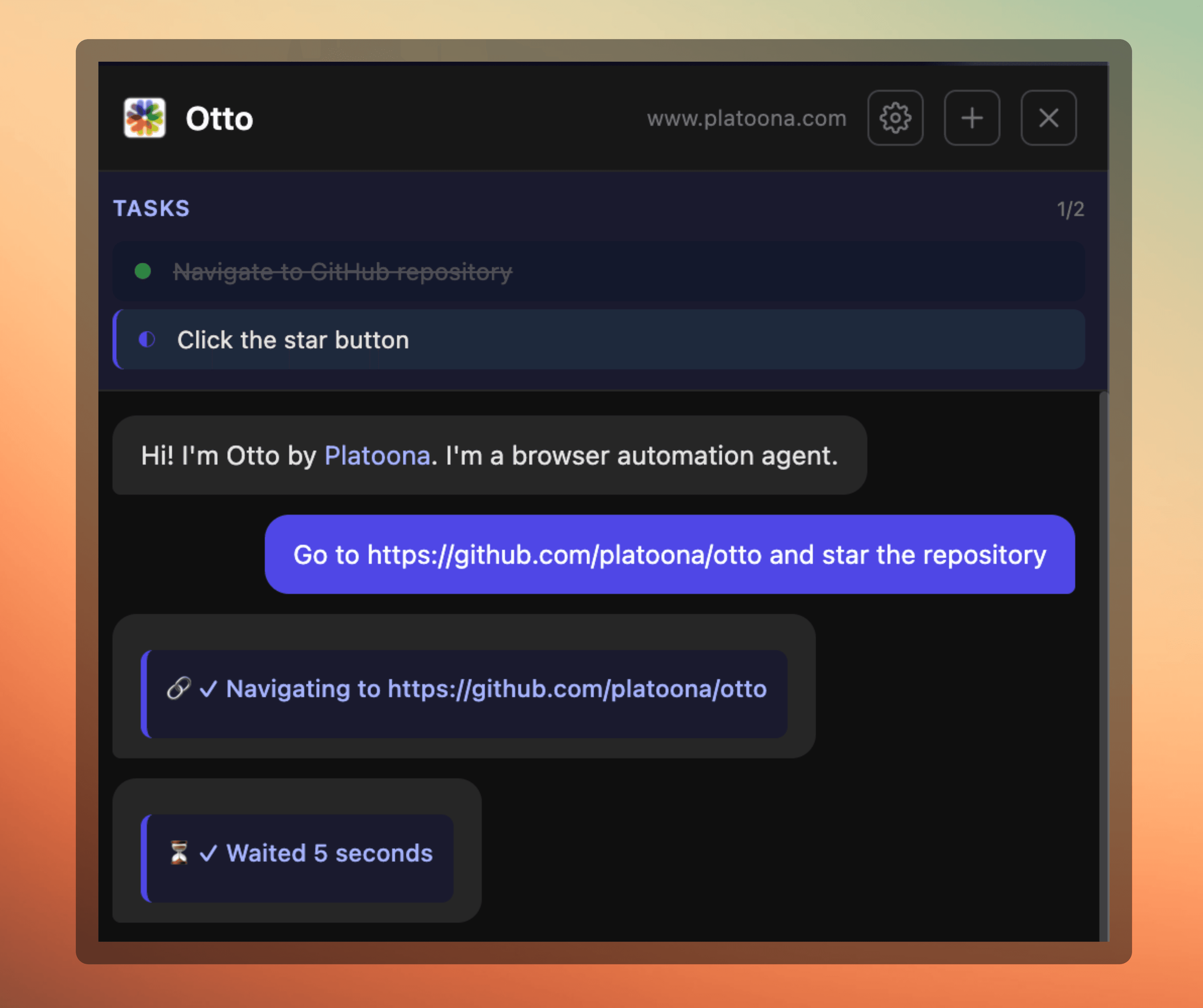
Watch it work
See every step Otto takes in real-time. Track progress, view completed actions, and stay in control of the automation.
Everything Otto can do
A complete toolkit for browser automation powered by AI
Otto clicks buttons, links, and interactive elements just like you would.
Fill out forms, write messages, and enter data with natural language commands.
Navigate long pages and find content anywhere on the screen.
Open URLs, switch tabs, and browse the web autonomously.
Otto understands what's on screen using AI vision to make smart decisions.
Open, switch between, and close multiple browser tabs to handle complex multi-step tasks.
Works with Chrome, Brave, Arc, Edge, and all Chromium browsers.
Control your entire Mac with natural language commands from the terminal.
A smarter approach to automation
Otto uses text-based algorithms and fuzzy matching instead of expensive vision models
Much cheaper
By relying on text algorithms and fuzzy searches rather than image-based AI, Otto costs a fraction of other browser automation tools.
Much faster
Text processing is significantly faster than vision models. Otto executes tasks quickly without waiting for expensive API calls.
Early but evolving
Otto is new and actively developed. You may encounter rough edges, but we're shipping improvements fast. Your feedback shapes the roadmap.
Get started in minutes
Simple setup for both the browser extension and macOS agent
Browser Extension
For Chromium browsers
Clone the repository
git clone https://github.com/Platoona/ottoLoad unpacked extension
Go to chrome://extensions, enable Developer mode, and load the extension folder
Add your API key
Enter your OpenRouter API key and start automating
macOS Agent
Full computer control
Install with one command
curl -fsSL https://raw.githubusercontent.com/Platoona/otto/main/macos/install.sh | bashRun setup
otto setupStart automating
otto agent "Open Calculator and compute 25 * 4"What can you automate?
Otto handles the repetitive browser tasks so you can focus on what matters
Fill out forms
Let Otto handle tedious form filling across any website.
Data entry
Automate repetitive data entry tasks in web applications.
Web scraping
Extract information from websites with simple instructions.
Testing workflows
Walk through user flows and test web applications.
Social media
Post updates, send messages, and manage accounts.
Research
Search, browse, and gather information from multiple sources.
Help us build Otto
Otto is a young project and the codebase is small and approachable. This is a great time to get involved!

Otto is part of the Platoona ecosystem
Platoona is an AI workspace where you and your team can create smart AI agents that work, talk, and get things done together across your apps.
Smart AI Agents
Create specialized agents that think, learn, and take action across your apps autonomously.
250+ Integrations
Connect with popular tools like Slack, Notion, Google Workspace, and many more.
Automated Workflows
Set up recurring tasks and workflows that run on schedule or trigger automatically.
Ready to automate your browser?
Otto is open source and free to use. Star us on GitHub and join the community.
Get Started on GitHub